-
Separate and protect ‘Nest Egg’ assets (cash reserve/investment accounts) from the account(s) used to pay everyday expenses (transactional accounts)
Set up Alerts (transaction-level / balance level / daily or weekly alerts, etc.) to go to owner + the Trusted Contact
Turn on 2FA - Ensure 2FA and any other security measures offered
Set up Trusted Contacts for Brokerage / Bank Accounts
-
Purge: Minimize the number of endpoint threat surfaces by Inventorying All Online Accounts / Apps including financial, retail, social media, email, direct communication (e.g. What’s App), online games, etc.
Close unused accounts
Delete unused apps (both from phone and cloud backup)
Increase privacy settings and reduce personal information shared for the individual apps still in use
Get ‘less social’ - Perform Social Media Audit and Clean Up
Clean up your contacts by removing anyone you don’t personally know — including celebrities — and those you rarely interact with (remember: ‘your friend’s friend is NOT necessarily your friend’)
Make any sensitive information or data (e.g. marital status, town, vacation status, recent death in family, etc.) of user profile private, delete any personally identifiable info not required
Consider deleting photos / posts that reveal sensitive info, or clues for a fraudster (pics of minors, major life events, location of home, school, activities etc, etc.)
Increase privacy settings on everything, knowing that these sites often ‘hide’ privacy options, so there may be several settings you have to adjust.
Start Fresh: Out with the old and in with the new:
Email : Start fresh, and have two email accounts:
Account #1: Important items and people (only given to your banks, medical providers, utilities, social security and other benefit programs, family, friends, and business associates, etc.)
Account #2: Everything Else: To use on online shopping sites, social media, online gaming, etc.
Eventually delete the legacy email account, once you are sure that your new ‘Important items and people’ email address has been updated with all of your providers, financial institutions, and circle of family and friends
Usernames : Start fresh, particularly on accounts of monetary value:
Replace old usernames (particularly if they contain actual name or birthdate info)
Become ‘more invisible’ online
Remove Personal Data Online: Use Aura or Delete Me and other data removal services
Social Media: In some cases it may make sense to start fresh, deleting legacy user handles / names / accounts and re-enroll using an alias that does not reveal one’s true Identity. Then, very selectively, add back only trusted individuals to your network.
-
Increase privacy settings and reduce personal information shared for the social media and individual apps still in use.
Each site/app has its own unique instructions on how to manage/modify privacy settings. If you need further instruction, try a search engine request such as, ‘how can I increase my privacy level on What’s App?’, etc.)
-
These key prevention actions are NOT just for seniors, people of all ages are vulnerable and should be utilizing these measures. You can use this fact as an opportunity to make this a ‘family activity,’ securing yourself and your family / friends at the same time, leaving no one feeling singled out because of age or ability.
-
Implement a Verbal Passcode (or ‘family phrase’) for Family / Friend Circles
A verbal family passcode is a simple secret word or phrase your family agrees on ahead of time. You only use it in situations where you need to quickly confirm that an urgent message or request (via phone call or text) is actually coming from a real family member — not a scammer, impersonator, or AI‑generated voice. Remember, never send this code in an email or text as it might be discovered by the criminal.
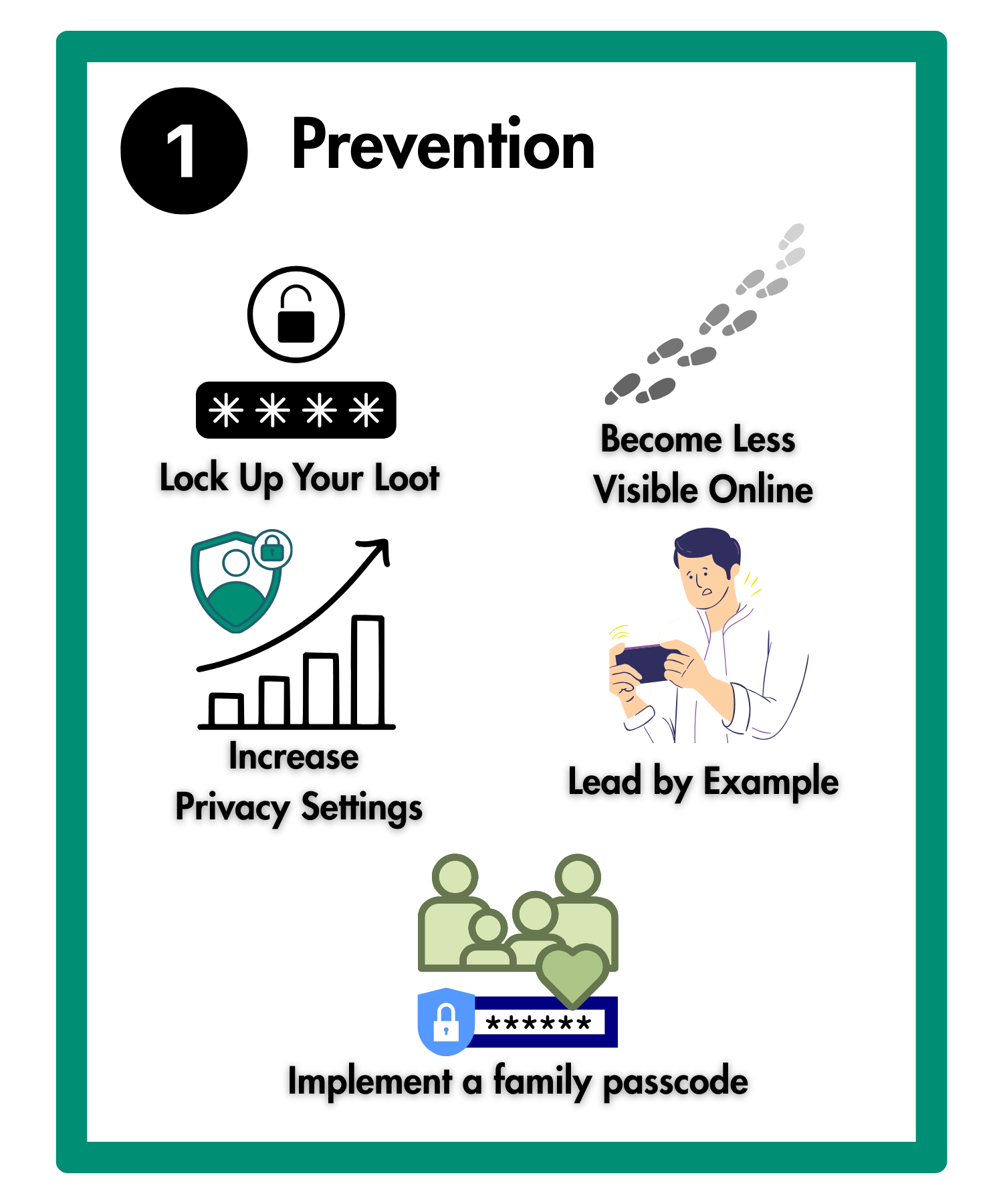
Prevention
Why Do I need to take the time to implement these scam preventative measures for my loved ones or myself?
Scams ruin lives. The financial, legal and emotional toll from scams can ruin victims’ lives, sometimes leading to suicide. Scams should be thought of as Financial Violence.
Scam victims almost never recover any of the money that was stolen, and unlike unauthorized account access (‘account hacking’) situations, financial institutions have no legal obligation to restore a victim’s funds (and almost never do).
ANYONE can be a scam victim, regardless of age, education, profession, or level of income or assets - Even younger adults can be victims. If your loved one does not have assets, aren’t they ‘safe’? No! Criminals are happy to convince a victim take out credit to then steal those funds, leaving the victim responsible to pay off the debts.
These key prevention actions are NOT just for seniors, people of all ages are vulnerable and should be utilizing these measures. You can use this fact as an opportunity to make this a ‘family activity,’ securing yourself and your family / friends at the same time, leaving no one feeling singled out because of age or ability.
Note: These measures are focused on Scam Prevention (e.g. people unwittingly transferring funds to the criminal who has deceived them). For tips on how to prevent Unauthorized Account or Data Access (also referred to as ‘Account Hacking’).
Click here to our partner Secure The Village’s site to view: Cybersecurity Guides for You and Your Family — SecureTheVillage
The following three sections contain the concrete actions everyone should take to reduce the chances of becoming a victim (Section 1A), additional “in-the-moment” reminders to share with your family so that they can make the best decisions when criminals try to make contact with them (Section 1B), as well as measures to take if you find yourself dealing with severe situations such as a loved one who is repeatedly being victimized (Section 1C)
1A. Checklist of Prevention Measures Everyone Should Take
Put a ‘moat’ around the Nest Egg: Segregate funds & put extra protections around the bulk of assets - Separate and protect ‘Nest Egg’ assets (cash reserve/investment accounts) from the account(s) used to pay everyday expenses (transactional accounts)
Set up Alerts (transaction-level / balance level / daily alerts set to the lowest dollar amount possible, etc.) to go to owner + the Trusted Contact
Turn on 2FA (Two Factor Authentication)- Ensure 2FA and any other security measures offered
Set up Trusted Contacts for Investment / Bank Accounts
Audit All Online Accounts / Apps including financial, retail, social media, email, direct communication (e.g. What’s App), online games, etc.
Close unused accounts
Delete unused apps (both from phone and cloud backup)
Increase privacy settings and reduce personal information shared for the individual apps still in use
Get ‘less social’ - Perform Social Media Audit and Clean Up
Clean up your contacts by removing anyone you don’t personally know — including celebrities — and those you rarely interact with (remember: ‘your friend’s friend is NOT necessarily your friend’)
Make private any sensitive information or data (e.g. marital status, town, vacation status, recent death in family, etc.) of user profile private
Do not disclose any personally identifiable information (PII), such as driver’s license number, social security number, birth dates, address, etc.
Consider deleting photos / posts that reveal sensitive info, or clues for a fraudster (photos of minors, major life events, location of home, school, activities, etc.)
Increase privacy settings on everything, knowing that these sites often ‘hide’ privacy options, so there may be several settings you have to adjust.
Start Fresh: Out with the old and in with the new:
> Email : Start fresh, and have two email accounts:
Account #1: Important items and people (only given to your banks, medical providers, utilities, social security and other benefit programs, family, friends, and business associates, etc.)
Account #2: Everything Else: To use on online shopping sites, social media, online gaming, etc.
Eventually delete the old email account, once you are sure that your new ‘Important items and people’ email address has been updated with all of your providers, financial institutions, and circle of family and friends
> Usernames : Start fresh, particularly on accounts of monetary value:
Replace old usernames (particularly if they contain actual name or birthdate info)
Become ‘more invisible’ online
Remove Personal Data Online: Use Aura.com or DeleteMe.com and other data removal services
Social Media: In some cases it may make sense to start fresh, deleting old profiles/ user IDs / names / accounts and re-enroll using name that does not reveal one’s true Identity. Then, very selectively, add back only trusted individuals to your network.
Implement a Verbal Passcode (or ‘family phrase’) for Family / Friend Circles
A verbal family passcode is a simple secret word or phrase your family agrees on ahead of time. You only use it in situations where you need to quickly confirm that an urgent message or request (via phone call or text) is actually coming from a real family member — not a scammer, impersonator, or AI‑generated voice. Remember, never send this code in an email or text as it might be discovered by the criminal.
1B. Moment-of-Truth Instructions for theFamily Member
Moment-of-Truth Instructions to help those you care about (we need to help each other build “muscle memory” around these):
PAUSE: Scammers will often try to convey a sense of urgency, secrecy, and pressure to act right away.
Always BE SKEPTICAL of every interaction someone else initiates
DON’T ANSWER the phone or text if number is not recognized in your contacts, let them leave a message (most criminals will not leave a voice message). Do not rely on Caller ID, it can be easily impersonated by the criminals.
ASK ‘WHAT IS THE FAMILY PASSCODE?’ Scammers often call pretending to be family members in need of money for an emergency. To guard against this, ask the caller for the family verbal passcode (or ‘family phrase’) whenever a family member calls you to ask you to do something, give them information, or if they are calling in distress and asking for your help. Even better, ask at each call!
HANG UP / don’t respond any time that someone:
is asking for money, for sensitive/personal information (e.g. account numbers, pictures of your ID, anything that identifies you as a person, etc.), trying to rush you, intimidate you, threaten your family, or otherwise trying to pressure you
says they are calling from your bank, utility company, or tech support. Instead, call the number on your monthly statements or on the company’s official website
says they need your help on a law-enforcement / government ‘sting’
tells you that you have won a lottery, sweepstakes, prize, or come into an inheritance
Criminals prey upon our kindness and good manners, so ‘It’s shrewd to be rude’
TELL SOMEONE: Swearing an unsuspecting victim to secrecy is a tool that criminals use. IF someone you are dealing with tells you not to tell ANYONE about your interactions with them, then TELL SOMEONE immediately
GET A TRUSTED PERSON’S OPINION: When in doubt on a text / email / call / vm, reach out to family / friend ‘fraud expert’ who you trust to evaluate
QUALITY OVER QUANTITY WHEN IT COMES TO ONLINE FRIENDS: Do not accept friend requests unless you personally know the person reaching out. Even then, it could be a criminal masquerading as someone you know. If it seems unusual or surprising that this person would be inviting you to be an online ‘friend’, then do not accept the friend request.
SHUT IT DOWN: If you receive a pop-up message on your computer claiming to be from Microsoft or Apple, etc. and stating that your device has been infected with a virus and that you need to contact them, immediately shut down your device and reboot. Ensure that your anti–virus software is up-to-date.
1C. Additive measures for the most severe situations
If your loved one is at elevated risk of being victimized some or all of these additional precautions may be appropriate. They are at higher risk if they have been repeatedly targeted or victimized, have some level of cognitive or emotional impairment, cannot be convinced that they are actually being deceived in a scam, or still believe the criminal to be a good person, romantic partner, person in authority, etc.
Assess the emotional wellbeing (loneliness, boredom, isolation, depression, self-esteem, trauma, recent material emotional loss, seeking of intimacy) of the person you are helping, any of these could put them at heightened risk.
Assess the technology (device / software) environment that the person is using
Install ‘Safety Apps’ / Settings on all electronic devices
Trade Down: Swap fuller featured (riskier) computing/ communication devices for simpler, safer ones. Consider switching from computers, smart phones and tablets to ‘flip phones’ and GranPads
Change landline and / or cellphone numbers (if these numbers are frequently targeted by spammers/ fraudsters)
Delete all social media, email, direct communication (e.g. What’s App) accounts
Explore whether the circle of care can be expanded with additional support sources. Assess whether there are others in contact (whether in social circle, religious and senior centers, or agencies that work with seniors) who could also assist
Contact Social Security If you are concerned that someone you know becomes incapable of managing or directing the management of his or her benefits, please call us at 1-800-772-1213.
Click here for additional information on how to fight against fraud. Navigating the complexities of online threats can be overwhelming. ScamSpotter.org simplifies the learning process with user-friendly resources that makes cyber education accessible to everyone.